

Connect an account
In Desktop, open Accounts and pick a provider. Where the provider supports it, Hoista opens the provider’s page in your browser and you approve access there. Otherwise, Hoista links to the provider’s tokens page and you paste an API token. Hoista saves the credential in the OS credential store.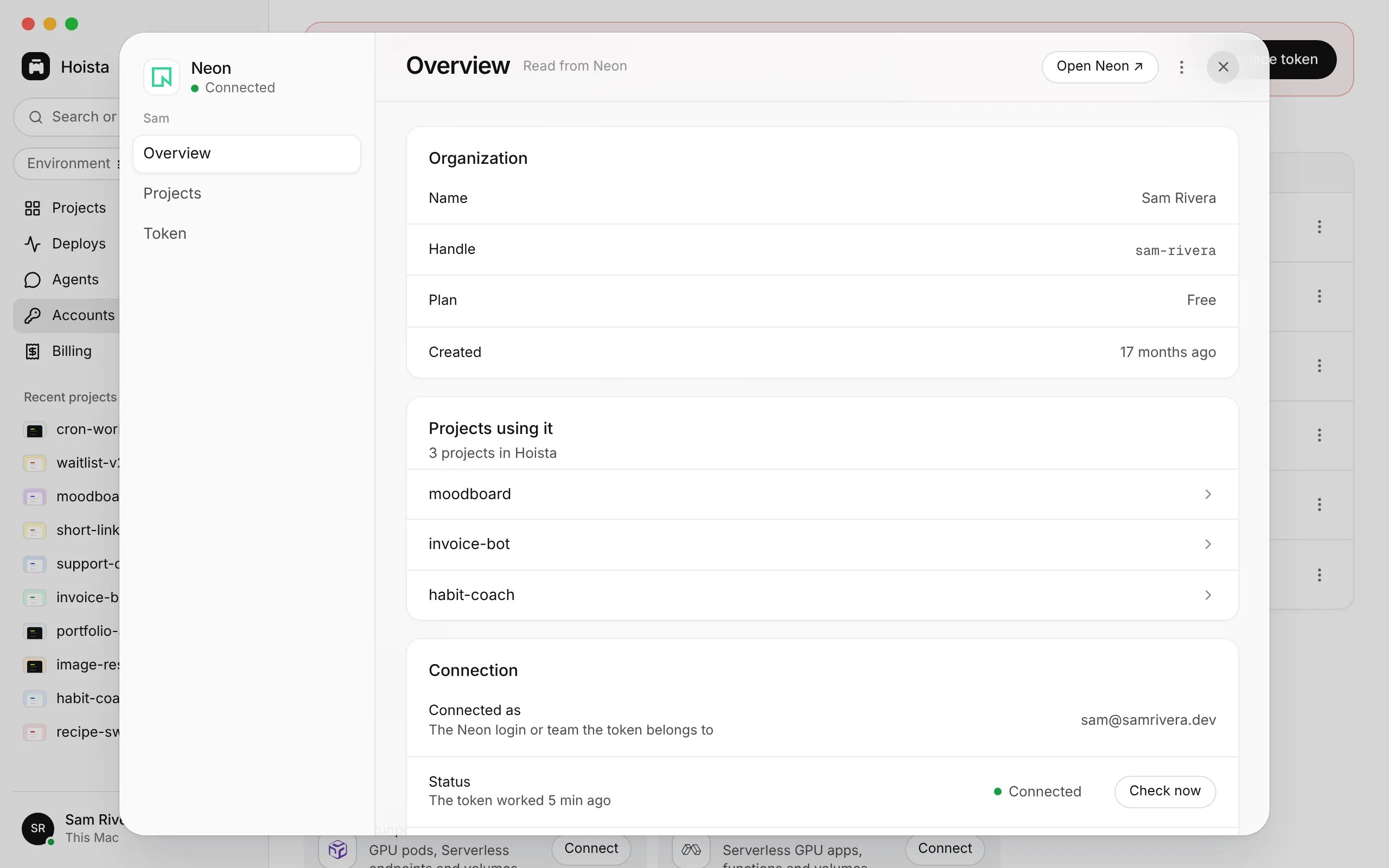
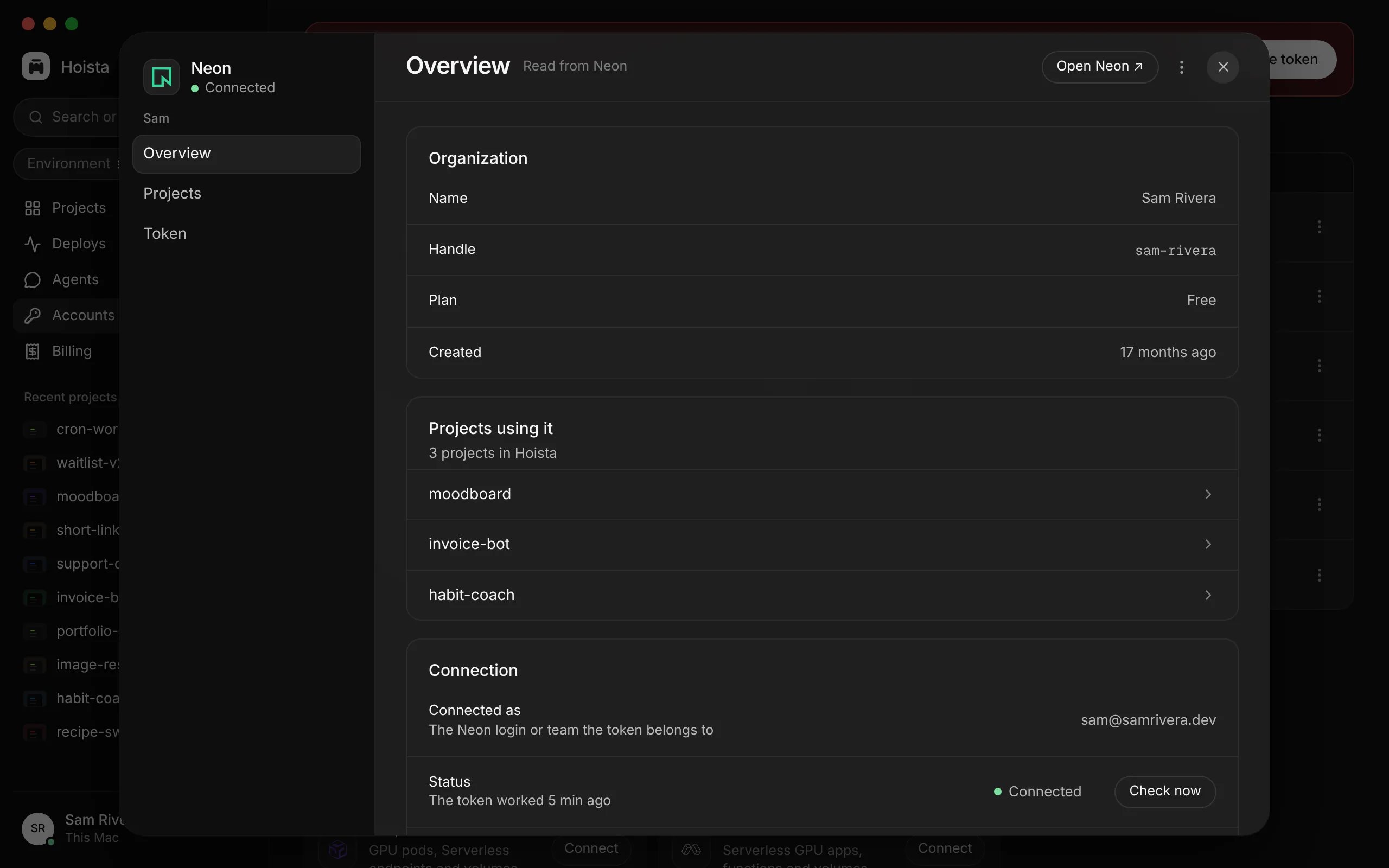
The Neon account: its details, the projects that use it, and its connection.
hoist accounts add asks for anything you leave out, the token included, in a hidden prompt. Hoista finds the provider’s account ID from the token; when the token reaches more than one account, it asks which, and scripts pass --account with the provider’s account ID, team ID or organization slug. --name gives the account a name you will recognise in Hoista. The token’s permissions limit what Hoista can do on that provider. See providers for what Hoista supports on each one.
Use a password manager
To pipe a token from a password manager, use--token-stdin:
echo command, a chat or an MCP configuration.
Check, rotate or disconnect
In Accounts, open an account’s menu for Check connection, Reconnect or Replace token, and Disconnect. Reconnecting the same account updates its credential and keeps its projects.ACCOUNT is the account’s name or Hoista’s ID from hoist accounts, not the provider’s own ID. hoist accounts refresh looks for new projects on an account now. hoist accounts rotate replaces the token; Hoista checks the new one with the provider before it saves it. It takes --token-stdin too.
Disconnecting removes the saved credential. It does not delete anything at the provider or stop the provider’s billing.
Related
Providers
What Hoista supports on each provider.
Bring in a project
Add what an account already runs.
Credential storage
Where tokens are kept and who reads them.