

Connect
Fly.io connects with a token:- Open Tokens in the Fly.io dashboard, pick the organization under Organization, and choose Create Organization Token. Fly.io asks for a payment method before it runs any app.
- Copy the token. It starts with
FlyV1. - In Desktop, open Accounts, choose Fly.io, paste the token and pick the organization.
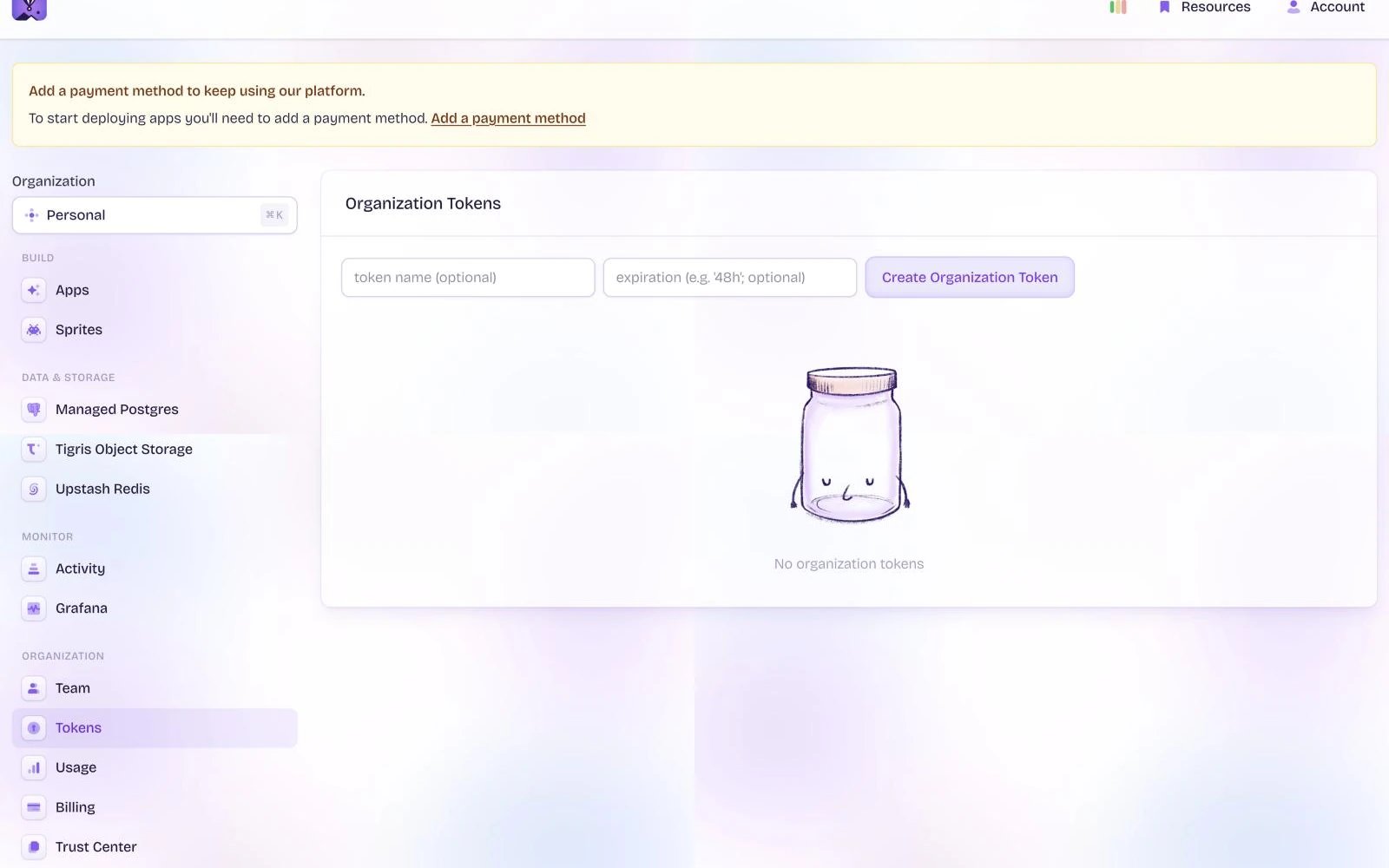
Fly.io’s Organization Tokens page, captured November 2026. Personal details are blurred. If yours looks different, the names in the steps still match.
hoist accounts add fly --name NAME --token-stdin, and add --account <organization-slug> if the token reaches more than one organization.
What you can do
- Deploy an app from a folder with
hoist deploy, or from a container image. Roll back withhoist rollback. - Pause and resume an app with
hoist resources pauseandhoist resources resume. Fly.io still charges for storage while an app is paused. - Set variables and secrets on the Variables tab or with
hoist env. - Add custom domains with
hoist domains add. Fly.io issues the certificate. Hoista shows the DNS records to add at your DNS provider, andhoist domains checkchecks them. - See logs on the Logs tab and metrics on Metrics.
- Use the Fly.io tab for Fly.io’s own settings and operations.
- Run your remote on Fly.io with
hoist remote create fly --account <account> --repo OWNER/NAME. Until Hoista publishes a server image,--repois needed; see Set one up. - Delete an app at Fly.io after you confirm it by name.
Bring in existing resources
Hoista looks for apps when you connect. In Desktop, add them as described in Bring in an existing project. From the CLI:hoist projects manage my-app when you want Hoista to make changes. To look again, run hoist accounts refresh <account> with the name or ID from hoist accounts.
Related
Providers
What Hoista supports on each provider.
Connect hosting accounts
Connect, check and rotate accounts.
Bring in a project
Add what an account already runs.